Manage Your Home Renovation
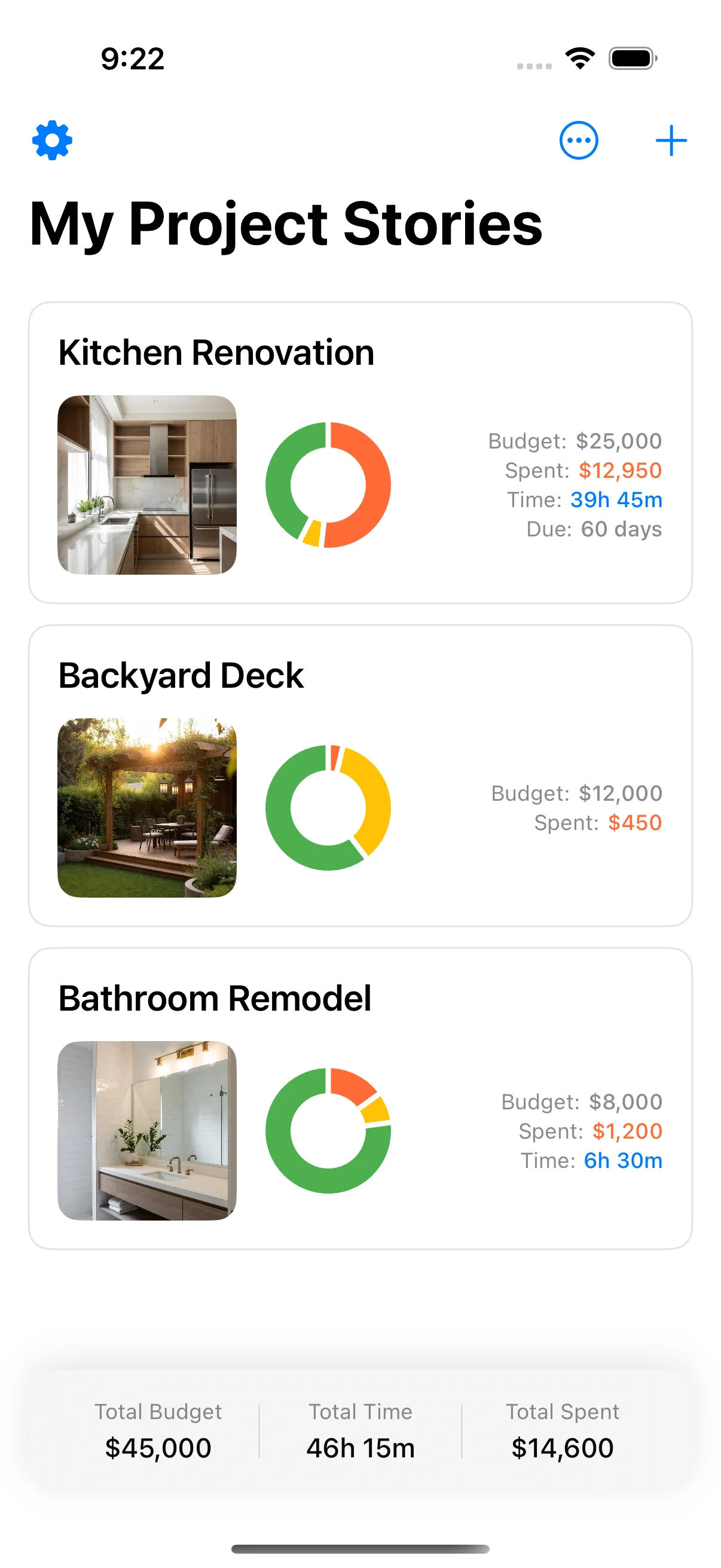
Home Stories is your complete project management tool for home renovations. Track budgets, organize tasks, document progress with photos, and export professional reports.






Join homeowners managing their renovations
Everything You Need for Your Renovation
Plan, track, and document your home improvement projects with powerful features
Budget Tracking
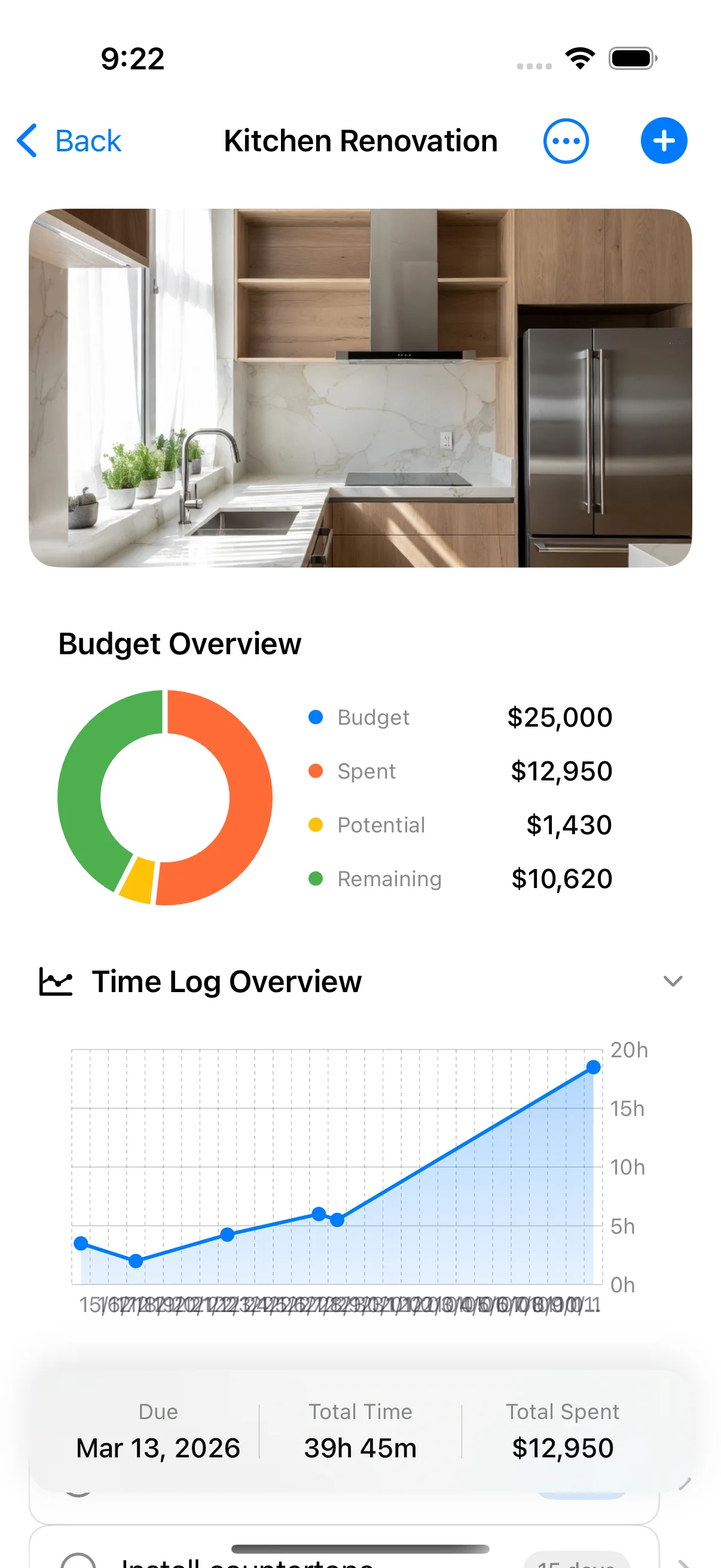
Track costs vs. estimates with visual charts showing spent, potential, and remaining budget. Stay on top of your renovation finances.

Photo Timeline
Document your renovation progress with photos organized by date. Create a visual record of your home's transformation.
Task Management
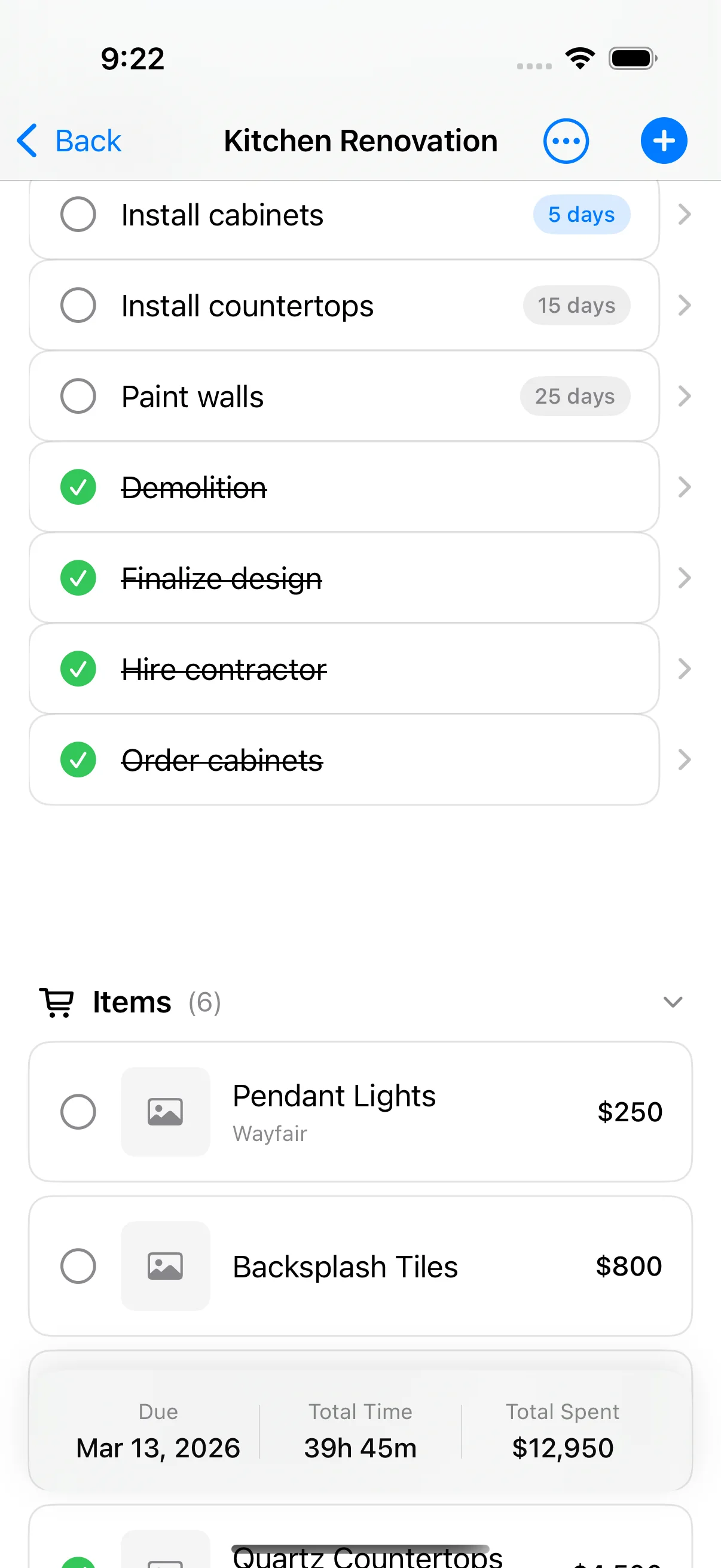
Organize work into tasks, track completion status, and keep your renovation project moving forward efficiently.
PDF Export
Generate professional project reports to share with contractors, insurance, or keep for your records.
See It In Action
Watch how Home Stories helps you manage your renovation projects
How it works
Manage your renovation project from start to finish with Home Stories
Create Your Project
Set up a renovation project with your budget and timeline to get started tracking your home improvement.

Add Tasks & Items
Break down the work into manageable tasks and track materials, fixtures, and items needed for each phase.
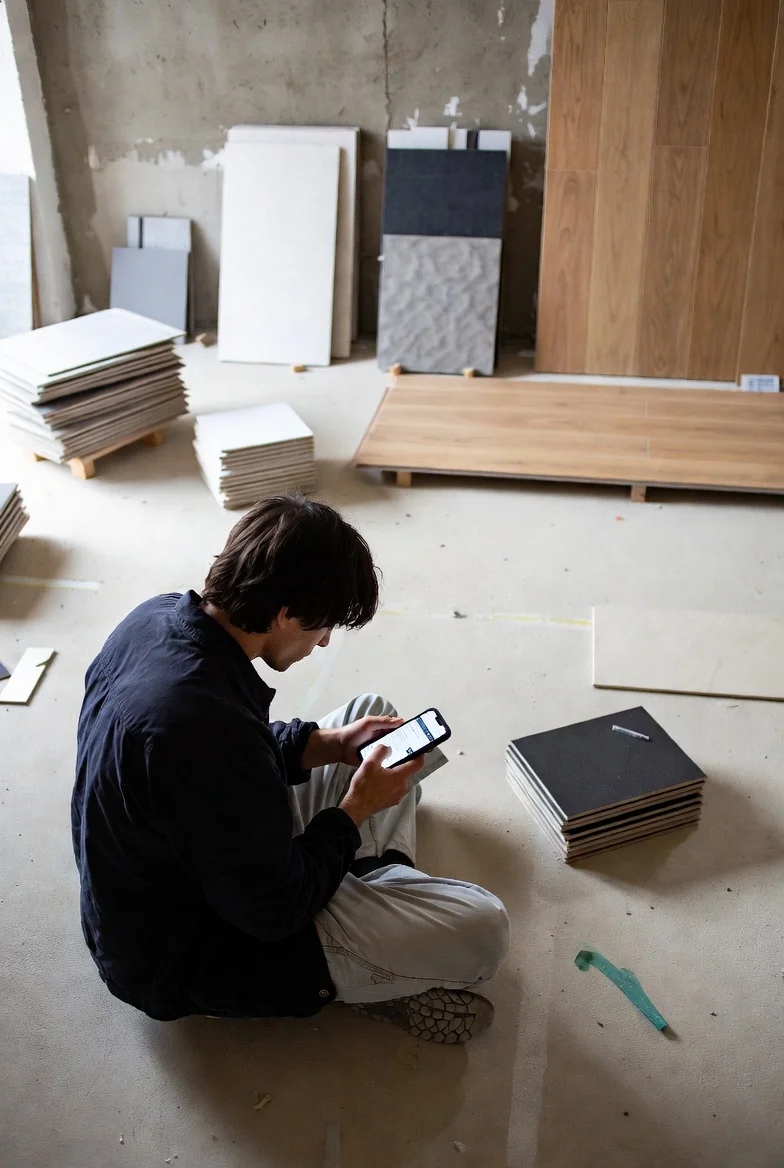
Track Your Budget
Monitor spending with visual charts showing spent, potential, and remaining budget at a glance.

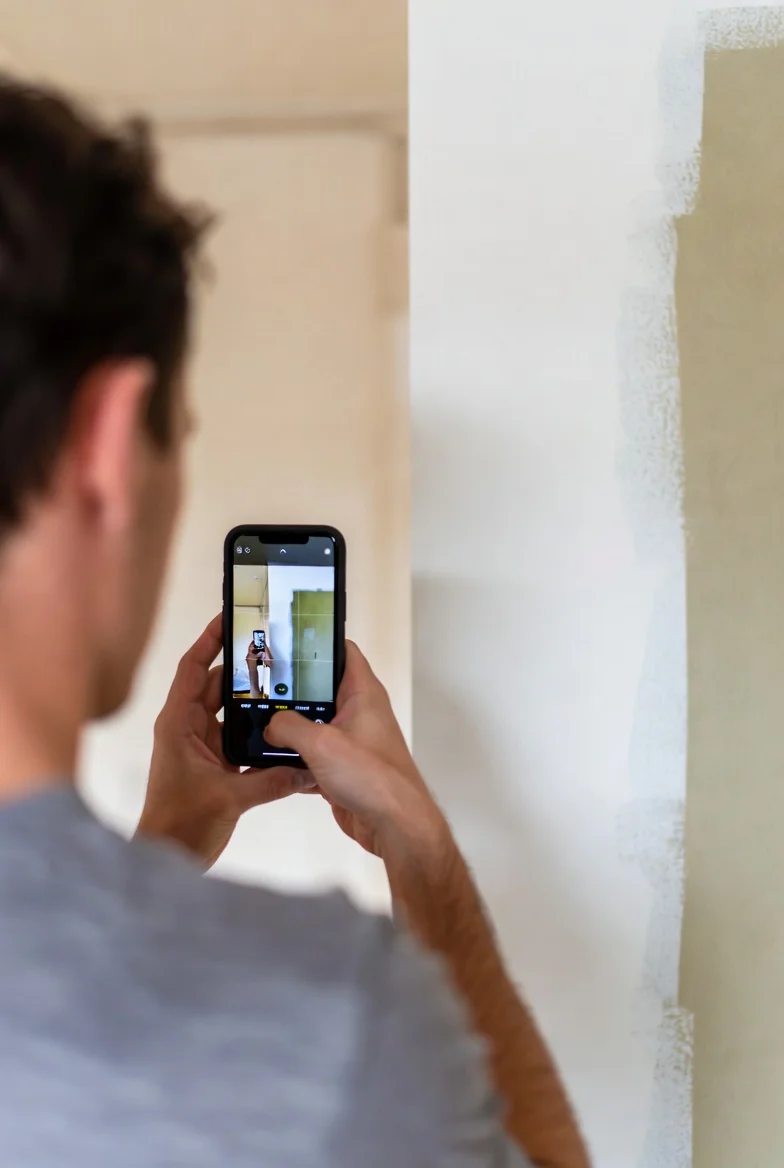
Document Progress
Capture photos throughout your renovation to create a visual timeline of your home's transformation.
Export & Share
Generate professional PDF reports to share with contractors, keep for records, or show off your progress.

What Homeowners Say
Hear from renovators using Home Stories
Frequently Asked Questions
Yes, it's free! We also offer a Premium Lifetime upgrade with more advanced features for serious renovators.
Absolutely! Home Stories is designed to work fully offline so you can access your projects, budgets, and photos even without internet access - perfect for job sites.
Yes! With iCloud sync your projects stay up to date across your devices. You can also export professional PDF reports to share with contractors, family, or keep for records.
Simply open your project, tap the export button, and choose PDF. Home Stories generates a professional report with your budget summary, task progress, photos, and notes.
Home Stories is currently available for iPhone and requires iOS 17.0 or later. We're focused on delivering the best possible experience on iOS first.
Download Home Stories Today!
Your complete project management tool for home renovations. Track budgets, organize tasks, and document your progress. Available on the App Store.