Keep a log of home repairs and maintenance
Every home collects a long list of small jobs: a dripping tap, gutters, a boiler service, a sticking door. Each one is small, but together they are a large part of what the house costs to own.
Home Stories can hold a maintenance project for the house, with each repair as a task and each cost as an item. When something breaks again, you know who fixed it last time and what they charged.
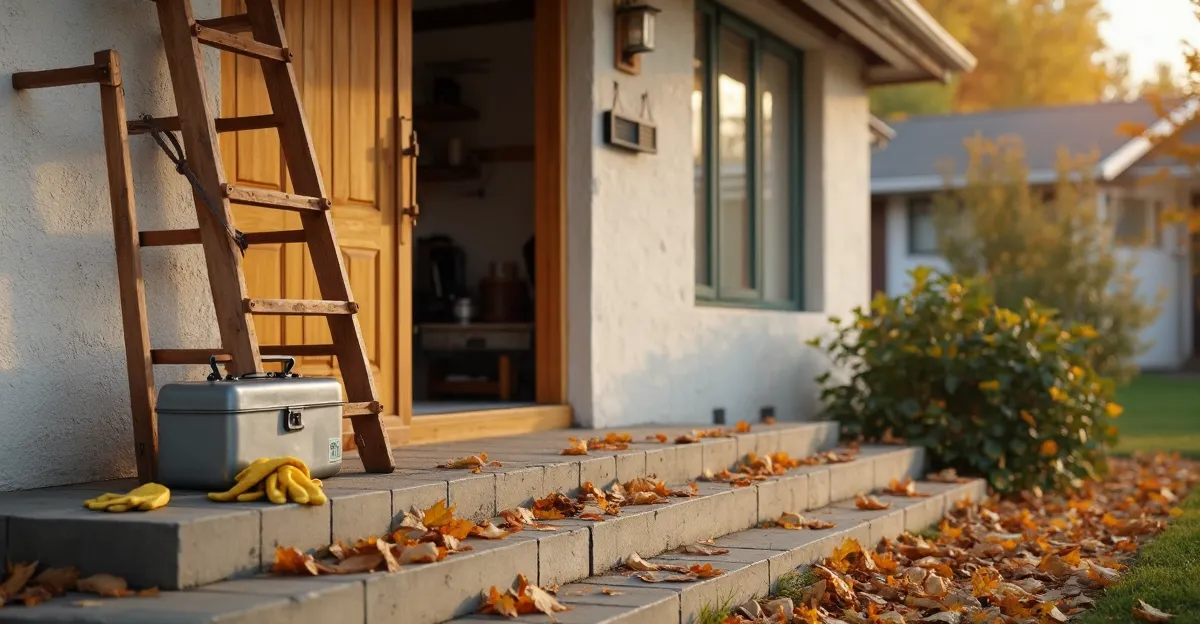
What to keep in the project
-
Each job as a task
What needs doing, with a date. Done jobs stay on the record.
-
Who did the work
A note with the tradesperson's name and number, on the job they did.
-
Recurring work
Boiler service, gutter cleaning, smoke-alarm test. A task for the next one when you finish this one.
-
Costs over the year
Every repair as an item, so the yearly total is there when you need it.
How to set it up in Home Stories
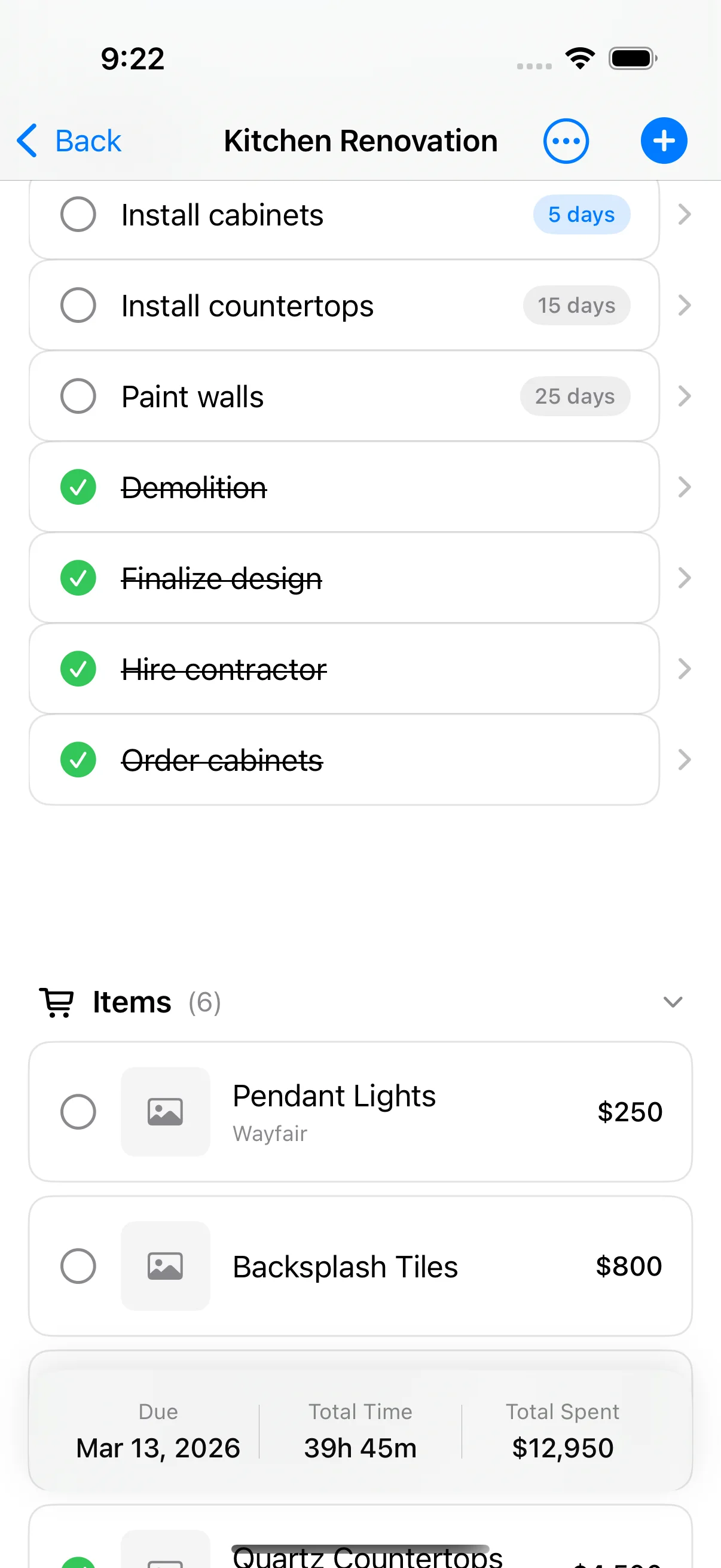
- Create a "Maintenance" project for the house.
- Add each repair or service as a task with a date.
- Log the cost as an item.
- Keep the invoice as a document and the tradesperson in a note.
Free on iPhone and iPad (iOS 17 or later). No account, works offline. Pro is an optional one-time purchase for the budget-vs-actual chart, task reminders, PDF export, iCloud sync and project sharing.
Frequently asked questions
How do I keep a home maintenance log?
Make one project for the house. Add each job as a task, its cost as an item, and the invoice as a document. Home Stories keeps them on your iPhone or iPad.
Can the app remind me about the next service?
Tasks with due dates are free. Reminders for those tasks are part of the optional one-time Pro upgrade.
Can I see what is due next without opening the app?
Yes. The free Home Screen widgets show budget progress and what is next.
Further reading
-
 Home Maintenance Schedule: What to Check and How Often A home maintenance schedule by frequency: what to check monthly, seasonally, yearly and every few years, and how to keep a record you'll actually use.
-
 How to Track Home Improvement Expenses: Apps vs Spreadsheets How to track home improvement expenses — comparing apps vs spreadsheets, with practical advice for keeping your renovation on budget.
-
 How to Organize Renovation Receipts: A Photo-First System How to organize renovation receipts — a photo-first system that keeps every receipt, invoice, and contract in one place.