Document a renovation for your home insurance
After a claim, an insurer asks what was there, what it cost, and who installed it. A renovation adds value to the house, and if the record is missing, that value can be hard to prove.
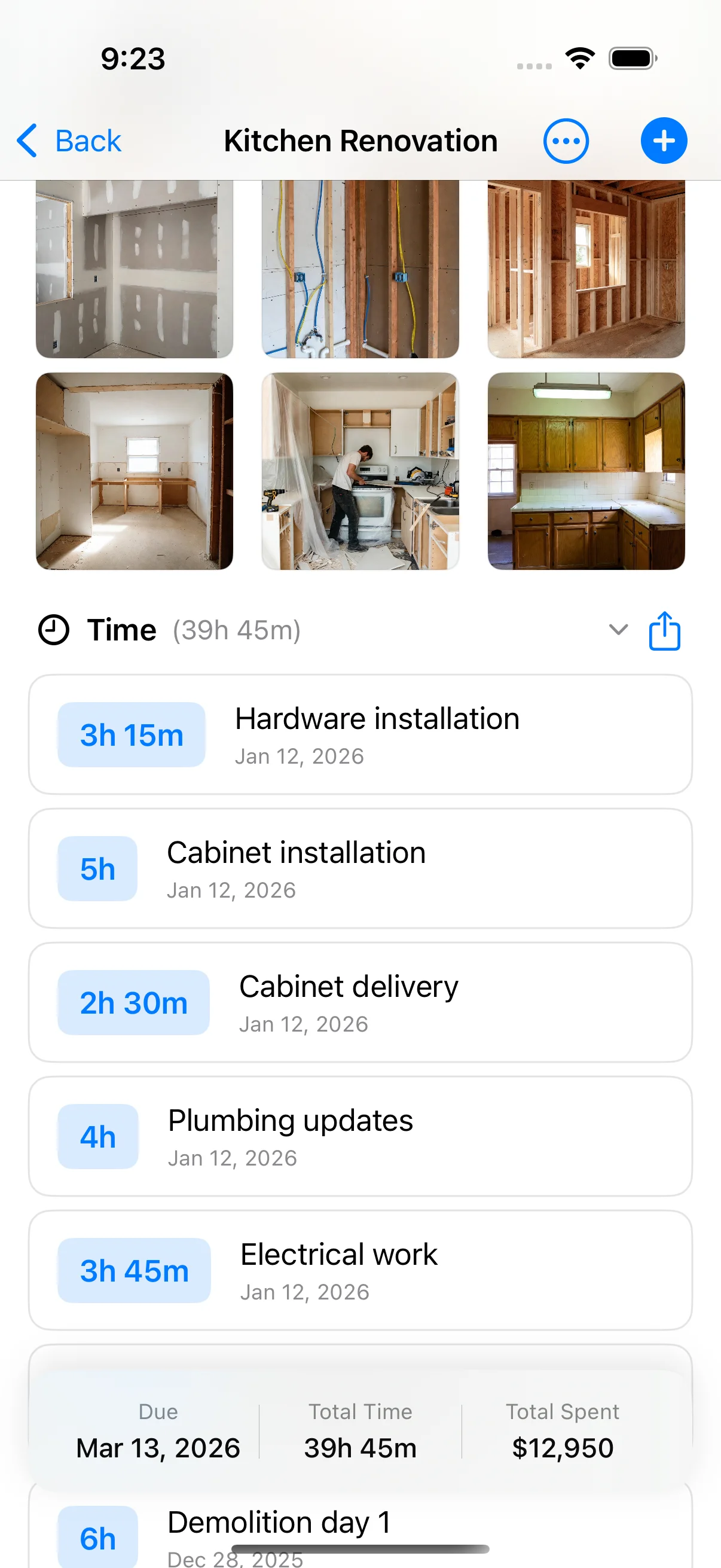
Home Stories keeps the dated photos, invoices and certificates for each project. Photos of work inside the walls are the hardest to replace, so take them before the walls close.
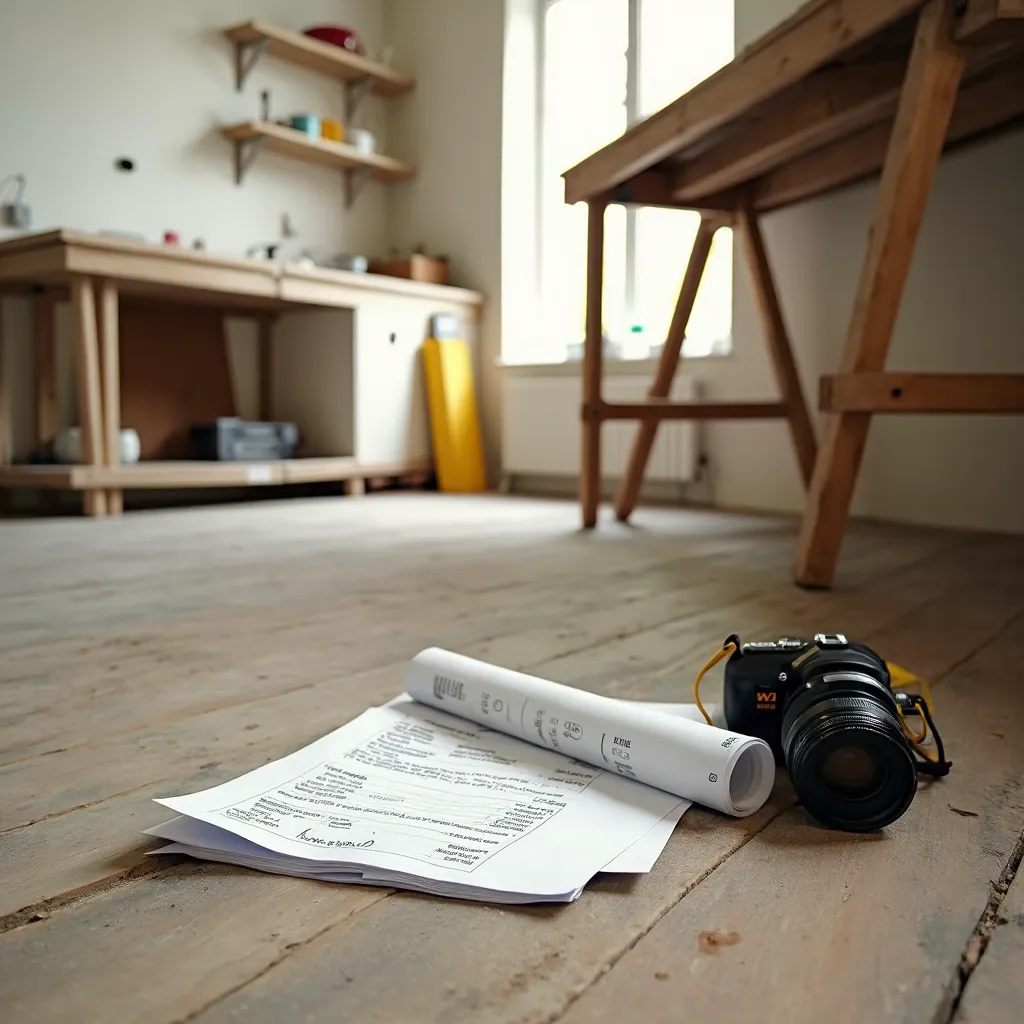
What to keep in the project
-
Dated photos
Each photo is on the project timeline with its date.
-
Hidden work
Wiring, pipes, waterproofing and insulation, photographed before they are covered.
-
Invoices and certificates
Who did the work and what it cost, as documents.
-
The value added
The project total is the cost of the improvement. Tell your insurer if it changes your cover.
How to set it up in Home Stories
- Photograph the room before the work starts.
- Photograph the hidden work before it is covered.
- Add invoices and certificates as documents.
- Keep a backup or turn on iCloud sync (Pro).
Free on iPhone and iPad (iOS 17 or later). No account, works offline. Pro is an optional one-time purchase for the budget-vs-actual chart, task reminders, PDF export, iCloud sync and project sharing.
Frequently asked questions
What do insurers want to see after a renovation?
Usually proof of what was installed, what it cost and who did it: dated photos, invoices and certificates. Check your own policy for what it requires.
Should I tell my insurer about a renovation?
Often yes, because a renovation can change the rebuild value of the house. Ask your insurer before and after the work.
Where are my photos stored?
On your device. With Pro you can turn on iCloud sync, which uses your own private iCloud. Local backups and data export are free.
Further reading
- How to Document Your Home Renovation for Insurance What a renovation insurance claim actually needs: the photo timeline, the paper trail, and the honest disclosure most people forget — all before you need it.
-
 11 Things I Wish I'd Tracked Before Starting My Renovation The 11 things renovators wish they'd tracked from day one — photos, receipts, quotes — and the cheap habit that saves each one.
-
 How to Organize Renovation Receipts: A Photo-First System How to organize renovation receipts — a photo-first system that keeps every receipt, invoice, and contract in one place.