A kitchen renovation tracker for the budget, the trades and the photos
A kitchen is the renovation with the most line items: cabinets, worktops, appliances, sink, taps, tiles, lighting, plus the plumber, the electrician and the fitter. Home Stories keeps each of them as an item with a price, so the running total is always the real one.
The schedule matters as much as the money. Plumbing and electrics go in before the cabinets, and the worktop template waits for the cabinets. Put each step in as a task with a date, and you see which trade is holding up the next.
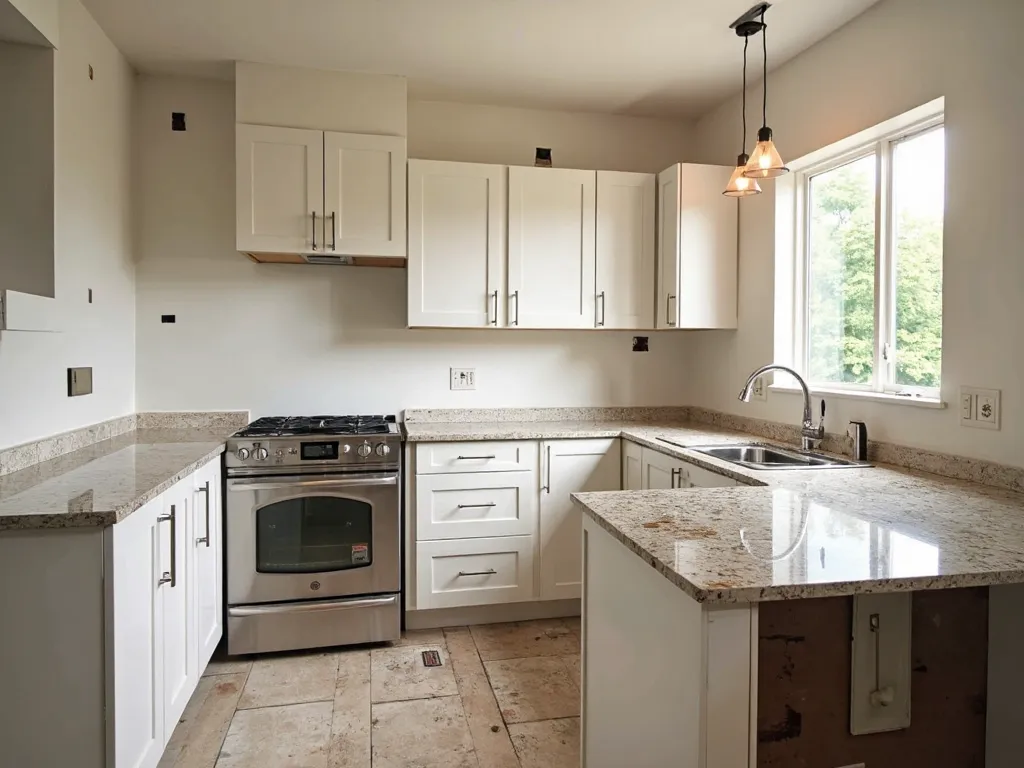
What to keep in the project
-
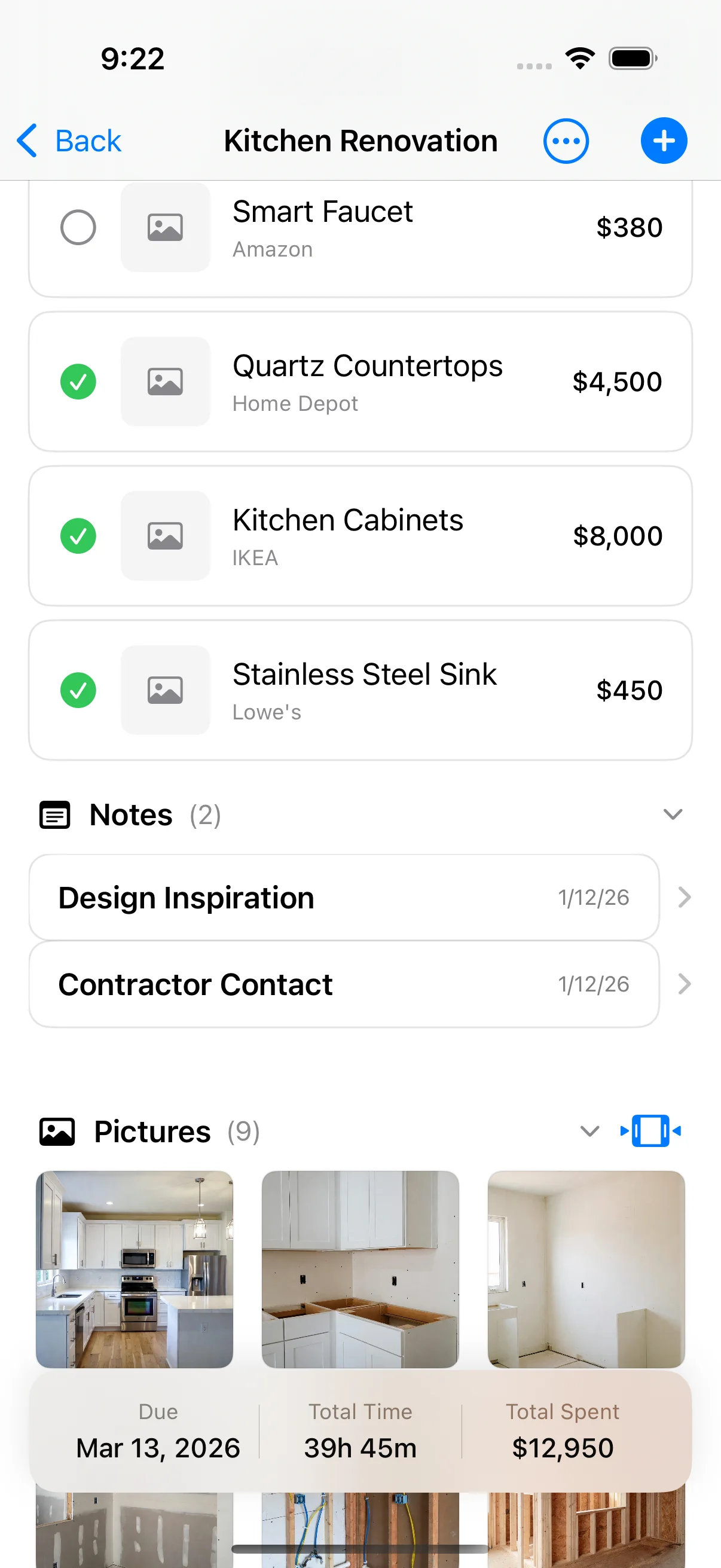
Every product, with its price
Snap the sink in the showroom, or share the appliance page from Safari. The price, the shop and a note go on the item, and the item goes on the total.
-
Labour apart from materials
Log what you pay the fitter and the electrician as labour. The split shows if the quote for fitting was low and the materials ate the budget.
-
Quotes and the worktop order
Keep the kitchen supplier's quote, the worktop order and the delivery note as documents in the same project.
-
The trade sequence
Strip-out, first-fix plumbing and electrics, plastering, cabinets, worktop template, worktop fit, splashback, second fix. One task each.
-
Before and after
Photograph the old kitchen before the strip-out. The side-by-side comparison at the end is the picture everyone asks for.
How to set it up in Home Stories
- Create a project called "Kitchen", with a start date and your total budget.
- Add an item for each cabinet run, appliance, worktop and fitting as you choose it.
- Add the trade sequence as tasks with due dates.
- Log each payment as materials, labour or contractor.
- Add photos at each stage. The timeline builds itself.
Free on iPhone and iPad (iOS 17 or later). No account, works offline. Pro is an optional one-time purchase for the budget-vs-actual chart, task reminders, PDF export, iCloud sync and project sharing.
Frequently asked questions
Can I track a kitchen renovation budget on my iPhone?
Yes. Create a project with a budget, add each appliance, cabinet and fitting as an item with a price, and Home Stories keeps the running total. It is free, works offline and needs no account.
How do I keep appliance and cabinet prices in one place?
Add each one as an item. You can take a photo in the store or share a product page from Safari, Amazon or IKEA straight into the project, with the price, the shop and a note.
Can I see if the kitchen is going over budget?
The running total is free and always visible. The budget-vs-actual chart, which shows the overrun coming, is part of the optional one-time Pro upgrade.
Further reading
-
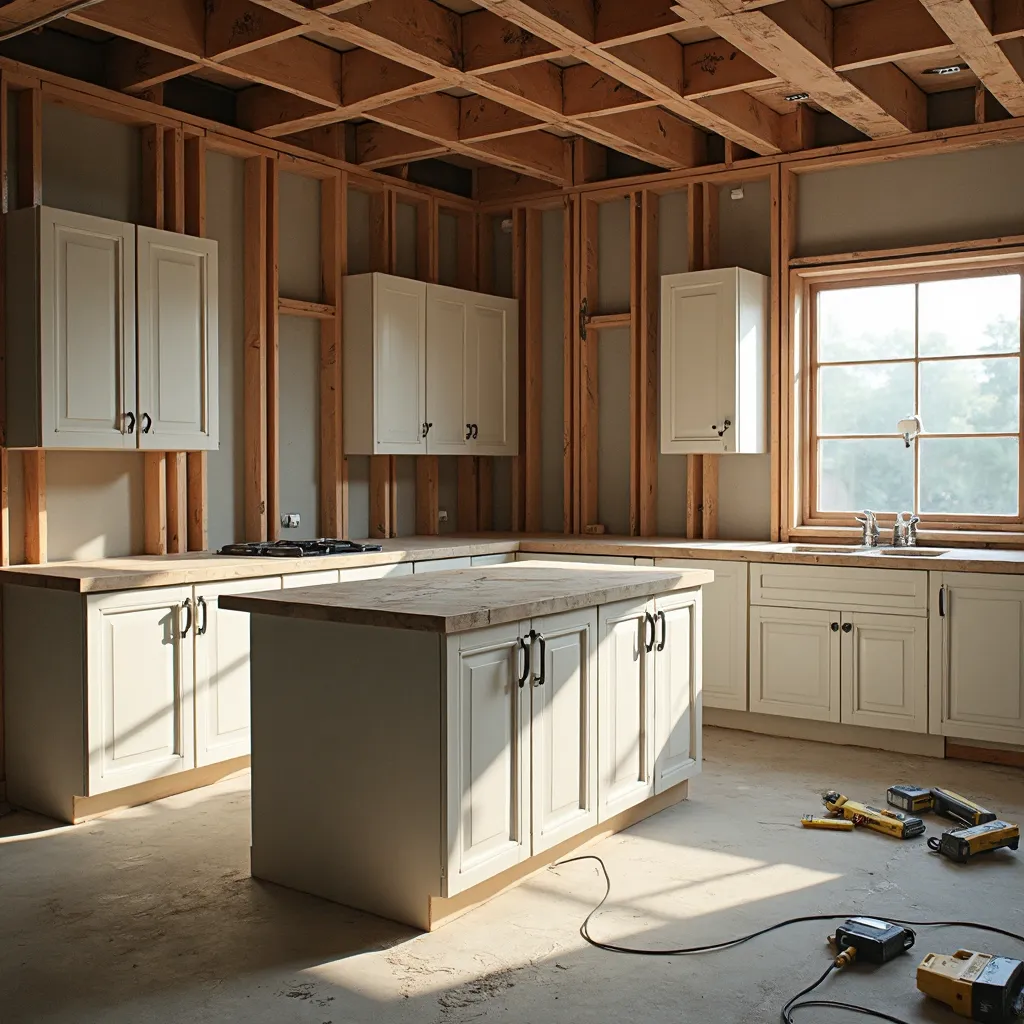 How Long Does a Kitchen Renovation Take? Realistic Time Ranges How long does a kitchen renovation take? Realistic time ranges for a refresh through a full remodel, plus the delays that always creep in.
- Kitchen Renovation Timeline: 8 Phases from Design to Handover Kitchen renovation timeline — 8 realistic phases from design through to handover, with budget tips for each stage.
-
 How to Budget a Home Renovation: 7 Steps to an Honest Budget How to budget a home renovation — 7 steps to build an honest budget that covers scope, contingency, and every hidden cost.